



Home automation has become increasingly popular in modern households, offering convenience, efficiency, and enhanced security. By integrating smart devices and systems, homeowners can remotely control, monitor, and automate everyday tasks, from lighting and climate control to security and energy management. Whether you are considering your first smart device or planning a fully automated home, understanding what home automation is and how it works is crucial for making informed choices.
In this guide, you’ll find:
- What is Home Automation?
- Core Components of a Home Automation System
- How Home Automation Works in Practice
- Benefits of Home Automation
- Challenges & Potential Downsides
- Types of Automations & Real-World Use Cases
- Getting Started: Planning & Tools
- Key Takeaways
- Frequently Asked Questions (FAQs)
What Is Home Automation?
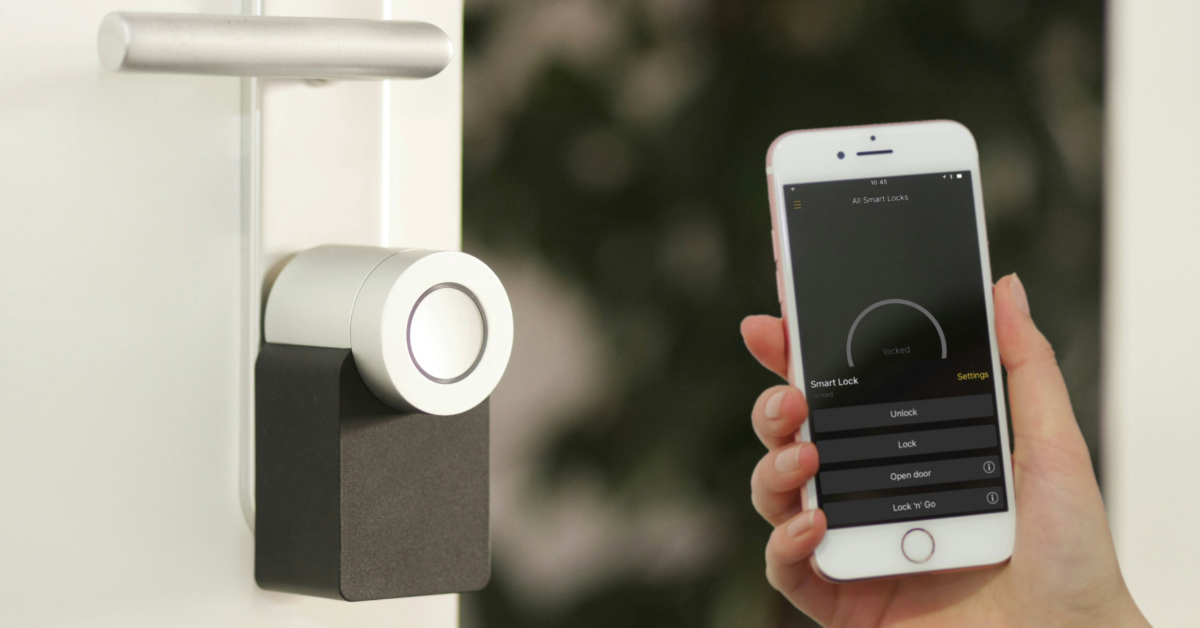
Home automation refers to the use of connected devices to remotely monitor, control, or automate household systems, including lighting, heating, ventilation, air conditioning (HVAC), and security. These devices are typically connected via the internet or a local network, enabling users to manage their home environment through apps, smart speakers, or automated routines.
Key terms to know include:
- IoT (Internet of Things): A network of physical devices embedded with sensors, software, and connectivity to exchange data.
- Smart home: A residence equipped with IoT devices, allowing for monitoring and remote management.
- Automation vs. manual control: Automation enables devices to operate independently based on rules, conditions, or AI learning, whereas manual control requires direct user input.
Discover Ways To Create A Smart Home.
Core Components of a Home Automation System
A typical home automation setup consists of several interconnected elements that work together to monitor conditions, process information, and execute automated actions throughout the home.
Devices & Sensors
Devices and sensors form the backbone of a home automation system. They include:
- Smart lights, plugs, and thermostats: Enable control of energy usage and comfort settings.
- Locks and cameras: Provide security and access management.
- Environmental sensors: Detects smoke, carbon monoxide, water leaks, and temperature fluctuations.
- Actuators: Components like motors or switches that trigger physical actions in response to automation commands.
Controller / Hub / Gateway
A controller, hub, or gateway serves as the central unit that unifies all smart devices, processes inputs, and triggers automation. Options include:
- Dedicated hubs such as SmartThings or Hubitat
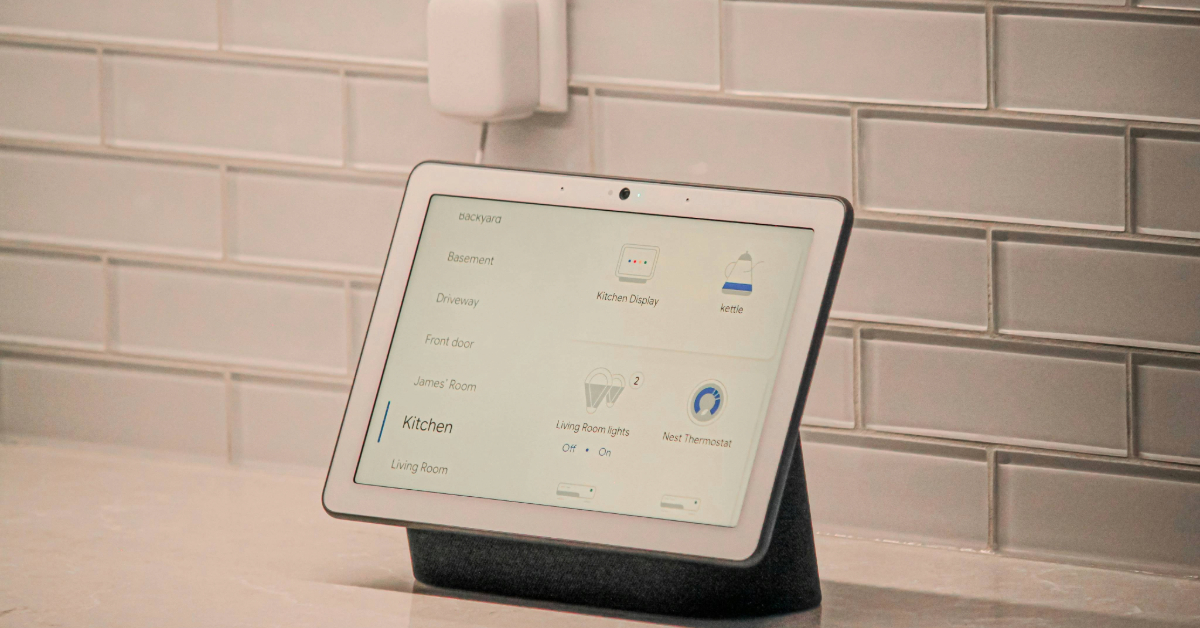
- Smart speakers or displays
- Cloud-based servers for remote access and integration
The choice of hub influences system responsiveness, security, and compatibility.
Communication Protocols & Standards
Home automation devices communicate using various protocols, each with specific strengths:
- Wi-Fi: Suitable for high-bandwidth devices such as cameras and streaming devices.
- Zigbee & Z-Wave: Low-power mesh networks ideal for battery-operated sensors and wide coverage.
- Thread: A newer mesh protocol designed for responsive and reliable local networking.
- Matter: A recent interoperability standard that works over Thread, Wi-Fi, and Ethernet, simplifying cross-brand compatibility.
Automation Logic & Rules Engine
Automation logic allows devices to act based on triggers, conditions, and actions. Examples include:
- Triggers: Specific events, time schedules, or sensor data.
- Conditions: If/then logic to refine actions.
- Actions: Turning on lights, adjusting thermostats, or sending alerts.
- Scenes/Routines: Pre-set instructions that combine multiple actions, such as “Good Morning” or “Away Mode”.
How Does It All Work in Practice?
- Device Discovery & Pairing
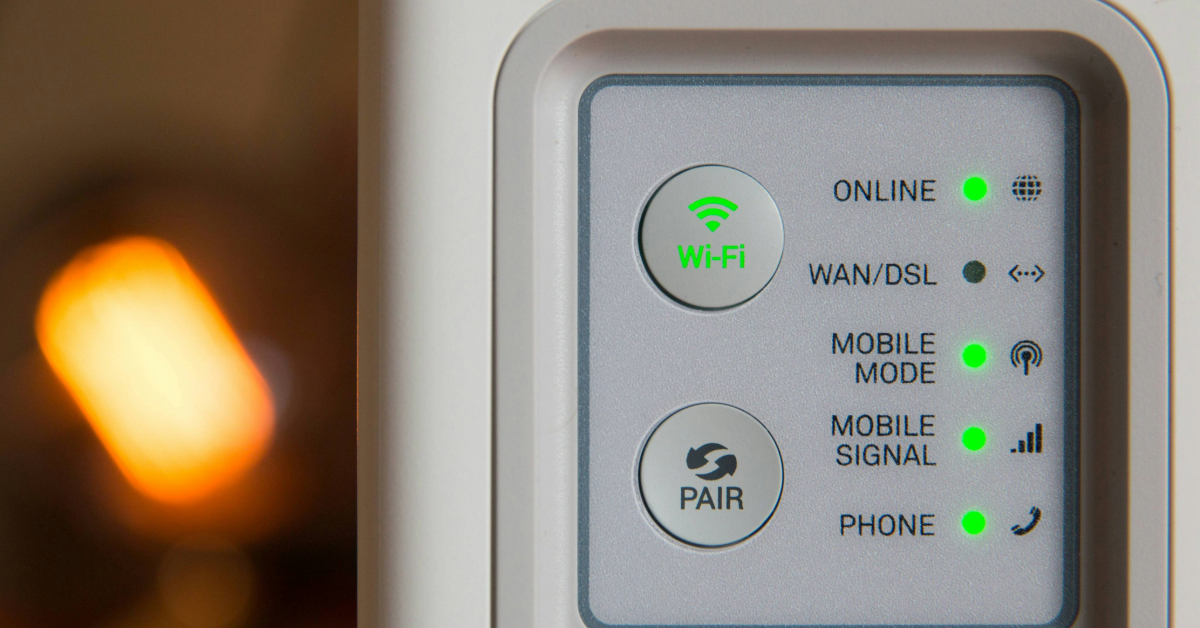
Smart devices join a home network via Wi-Fi, Bluetooth, or mesh protocols. Pairing can occur via a hub, a bridge, or standards such as Matter, ensuring seamless integration with other devices.
- Network Topology
Home automation networks can follow different topologies:
- Mesh networks (Zigbee, Z-Wave, Thread): Devices relay information between nodes, enhancing coverage and reliability.
- Star or point-to-point (Wi-Fi, Bluetooth): Devices connect directly to a central hub or router, which requires strong network support.
- Processing & Automation Execution
Automation can be processed locally or via the cloud:
- Local processing: Faster response times and greater privacy.
- Cloud processing: Enables remote access and easier integration with external services.
Rule engines allow for scheduled automations, event-based triggers, or AI-driven behaviour learning, making the system more intelligent over time.
Benefits of Home Automation
Home automation offers multiple advantages for modern households:
- Convenience & comfort: Control lights, temperature, and devices remotely, automate daily routines, and integrate voice commands.
- Energy savings & efficiency: Smart thermostats, lighting, and energy monitoring can reduce energy bills by approximately 10-20%.
- Security & safety: Smart locks, surveillance cameras, and alert systems protect against intrusions, fire, or leaks.
- Remote monitoring & control: Check appliance status and receive notifications while away from home.
- Increased home value & modern appeal: Homes with automation features may attract higher resale value and even offer insurance benefits.
Challenges & Potential Downsides
While advantageous, home automation presents some challenges:
- Cost: Initial investments in devices, hubs, and installation can be high. Ongoing costs may include cloud services and firmware updates.
- Complexity & learning curve: Installation, device compatibility, and troubleshooting can be challenging.
- Security & privacy risks: Vulnerabilities in connected devices may expose personal data.
- Dependence on reliable power/internet: Backup systems are often needed to ensure uninterrupted operation.
Types of Automations & Real-World Use Cases
Home automation can be configured in multiple ways depending on how and when devices are triggered to perform actions.
Scheduled Automations
These are time-based actions, such as:
- Turning lights off at sunset
- Adjusting thermostats at bedtime
Event/Condition-Driven Automations
Automations triggered by events or sensors, for instance:
- Motion detection activates lights
- Doorbell motion initiates video recording
- Air quality or temperature sensors controlling HVAC systems
Location & Presence-Based Automations
Automations based on occupancy or geolocation:
- Geofencing: unlocking doors or switching on lights when arriving home
- Occupancy sensors: adjusting climate and lighting when rooms are in use
Learning & AI-Driven Automation
AI-enabled systems can learn user habits and preferences, suggesting scenes or proactively performing actions for enhanced convenience.
Getting Started: Planning & Tools
Setting up a home automation system requires thoughtful planning to ensure compatibility, scalability, and long-term usability.
Assess Your Needs
Identify priorities, such as security, energy savings, convenience, or accessibility. Decide whether to start with a small system or implement a full-build automation solution.
Choose Your Ecosystem Wisely
Select a platform that aligns with your devices and future-proofing needs, such as Apple Home, Google Home, Amazon Alexa, or SmartThings. Ensure devices support standards like Matter for cross-brand compatibility.
Consider Wiring vs Wireless
For new construction, wired solutions (KNX, DALI) offer long-term durability, while wireless options are easier to retrofit into existing homes.
Budget & Scale Strategy
Plan your budget carefully, accounting for device unit costs, hub prices, and subscription fees. Ensure the system is scalable to add devices or rooms over time.
Key Takeaways
- Home automation harnesses the power of smart devices, controllers, and communication standards to automate and remotely manage numerous aspects of a home.
- Protocols such as Wi-Fi, Zigbee, Z-Wave, Thread, and particularly Matter play a vital role in ensuring device compatibility and optimal performance.
- The true advantage of a home automation system lies in its automation logic, which combines triggers, conditions, and scenes to streamline daily routines and simplify household management.
- Key benefits include enhanced convenience, energy efficiency, improved security, and remote monitoring, while potential downsides include initial costs, system complexity, and privacy or security concerns.
- To get started, it is advisable to assess your priorities, select an ecosystem with future-proofing in mind, especially Matter compatibility, and expand the system gradually as needs evolve.
Frequently Asked Questions (FAQs)
A smart home has connected devices like lights and thermostats. Home automation means these devices act automatically based on schedules, events, or conditions without manual input.
Not always. Some systems rely on cloud-based control or a smart speaker/display as the hub, though dedicated hubs improve local control, security, and responsiveness.
Matter is an interoperability standard allowing devices from different brands to work together over Thread, Wi-Fi, and Ethernet, reducing compatibility issues.
Yes. Mesh networks like Zigbee, Z-Wave, and Thread can operate locally without the internet. Remote access or cloud features may still require an internet connection.
Security depends on firmware updates, strong passwords, encrypted communications, and privacy-conscious devices. Local processing or open-source platforms offer better control.



