



Managing your utility bills shouldn’t feel complicated. Fortunately, checking your FEWA bill online is quick, straightforward, and accessible from anywhere. Whether you prefer using a website, a mobile app, or even your banking platform, you have multiple options at your fingertips.
In this guide, we’ll shed light on:
- What FEWA is and how it became Etihad WE
- Why You Should Check Your FEWA Bill Online
- How to check your FEWA bill online via the website
- How to use the Etihad WE mobile app
- Comparing different bill checking and payment methods
- Other ways to check or pay your bill
- How to read and understand your FEWA bill
- Key takeaways
- FAQs
What FEWA is and how it became Etihad WE
FEWA, short for the Federal Electricity and Water Authority, has long been responsible for providing electricity and water services across the Northern Emirates: Fujairah, Ajman, Ras Al Khaimah, and Umm Al Quwain.
However, things have evolved. FEWA’s services are now operated under Etihad Water and Electricity, often referred to as Etihad WE.
Even so, many residents still use the term “FEWA bill” out of habit. So, if you hear both names, don’t worry, they essentially point to the same service.
Why You Should Check Your FEWA Bill Online
Before diving into the steps, it helps to understand why going digital is worth it.
Checking your bill online is not just about convenience. It also gives you better control over your usage and payments.
Here’s what you gain:
- Instant access to your bill without waiting for paper copies.
- Real-time usage insights for electricity and water.
- Clear breakdown of charges, including VAT and service fees.
- Easy payment options directly from your device.
- Access to past bills for comparison and tracking.
More importantly, it helps you avoid late fees and unexpected service interruptions. And honestly, that peace of mind is hard to beat.
How to check your FEWA bill online via the website
If you prefer using a desktop or simply don’t want to download an app, the website is your best option. The process is simple and takes just a few minutes.
Step-by-step process
- Visit the official Etihad Water and Electricity website
- Navigate to the “View & Pay Bill” or similar section
- Enter your FEWA account number
- Provide your registered mobile number or email
- Complete any verification step (such as OTP or captcha)
- Click Submit or Search
Within seconds, your bill will appear on the screen.
From there, you can:
- View the total amount due
- Check your billing period
- Analyze consumption details
- Download the bill as a PDF
- Proceed to payment if needed
It’s efficient, reliable, and works on almost any device with internet access.
How to use the Etihad WE mobile app
If you’re someone who prefers managing everything on your phone, the mobile app is a great alternative. In fact, it often feels faster and more convenient once set up.
Getting started
- Download the Etihad WE app from your device’s app store
- Sign in using your account details
- Or register using your FEWA account number and mobile number
You’ll typically need to verify your account using a one-time password (OTP).
Checking your bill
Once logged in:
- Go to “Bills & Payments” or “My Bills”
- Select your account
- View your current bill along with previous ones
What makes the app useful
- Notifications for new bills and due dates
- Easy access to payment options
- Ability to manage multiple accounts
- Consumption tracking over time
Comparing different bill checking and payment methods
There’s no one-size-fits-all approach. Some people prefer websites, while others rely on apps or banking platforms. Here’s a quick comparison to help you decide:
| Platform | How It Works | Pros | Requirements |
|---|---|---|---|
| Etihad WE Website | Enter account details → view & pay bill | Works on all devices, no download needed | Internet access, account number |
| Mobile App | Log in → access bills → pay instantly | Notifications, easy tracking | Smartphone, app installation |
| Banking Apps | Select biller → enter account number | Secure, auto-pay options | Bank account, setup required |
Each option gets the job done. It really comes down to what fits your routine best.
Other ways to check or pay your bill
While online methods are the most convenient, they’re not the only options available.
If needed, you can also:
- Use self-service kiosks in malls or service centers
- Visit customer happiness centers
- Pay through exchange houses like Al Ansari Exchange or Al Fardan Exchange
- Use postal services such as Emirates Post
These alternatives are helpful if you prefer in-person transactions or don’t have immediate internet access.
How to read and understand your FEWA bill
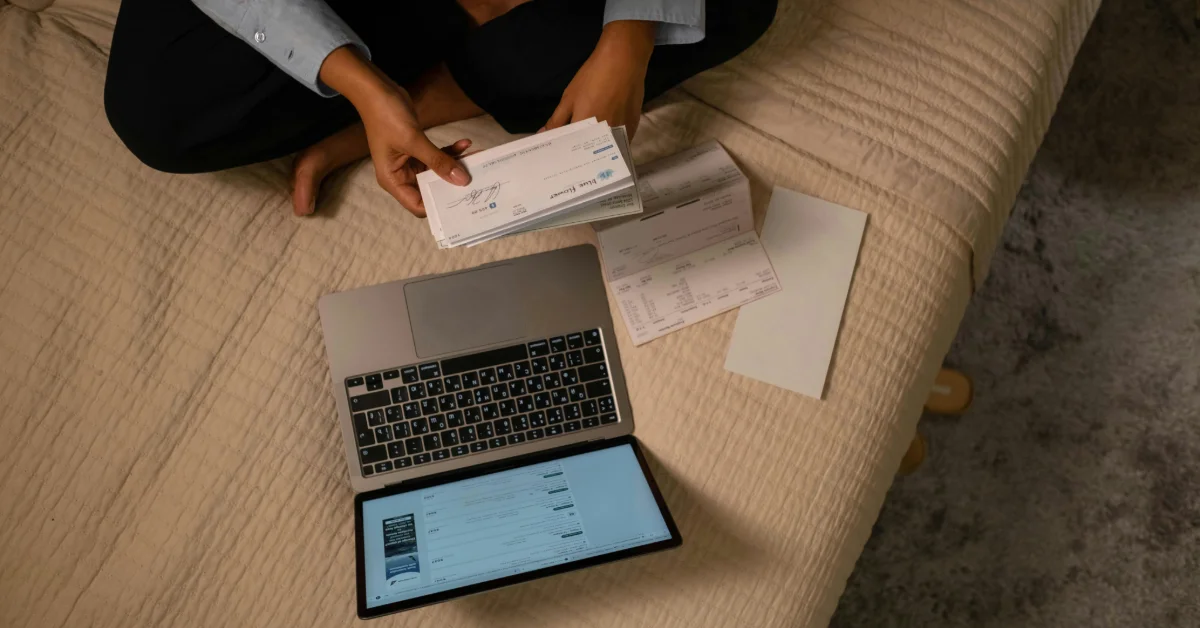
At first glance, a utility bill can look overwhelming. But once you break it down, it becomes much easier to understand.
Here are the main components:
Billing period
This shows the start and end dates for your usage. It helps you track how consumption changes over time.
Consumption charges
This is the core of your bill. It reflects:
- Electricity usage (kWh)
- Water consumption
- Applicable tariff rates
Fixed service fees
These are standard charges that apply regardless of how much you use. They typically cover infrastructure and service availability.
VAT (5%)
A standard value-added tax is applied across the UAE.
Total amount and due date
This is the final amount you need to pay and the deadline to avoid penalties.
Understanding these elements can help you spot unusual spikes or errors early. And that’s incredibly useful for managing your monthly expenses.
Key takeaways
- FEWA services are now managed by Etihad Water and Electricity, though the old name is still widely used.
- Checking your bill online is the fastest and most convenient option.
- You’ll need your FEWA account number and registered contact details.
- Both the website and mobile app offer quick access to bills and payments.
- Multiple payment methods are available, including banking apps and exchange houses.
- Understanding your bill helps you control usage and avoid unexpected charges.
FAQs
You can find it on your physical bill, email notifications, or SMS alerts. It’s usually a 10–12 digit number. If you can’t locate it, customer support can help.
Yes. Both the website and mobile app allow you to access past bills and track your consumption history over time.
Start by reviewing your consumption history. If something still looks off, you can raise a complaint through the Etihad Water and Electricity platform. Be ready to share your account details and any supporting information.
No, Dubai uses a different provider: Dubai Electricity and Water Authority (DEWA). FEWA (now Etihad WE) serves only the Northern Emirates.



