



If you live in the UAE, you have probably already come across the term UAE Pass. But what exactly is it, how do you register and why does everyone keep saying it makes life easier? This friendly guide walks you through everything step by step so you can set up your UAE Pass quickly and start using it for more than 6000 services across all emirates.
No matter where you are, whether in Abu Dhabi, Dubai, Sharjah or any other emirate, UAE Pass has become the easiest way to access government and private sector services securely from your phone.
- App Registration
- Kiosk Registration
- Login
- Services
- AECB Integration
- Benefits
- Contact Number
- Key Takeaways
- FAQ
What is UAE Pass
UAE Pass is the country’s official digital identity. Think of it as your trusted online version of your Emirates ID, allowing you to access thousands of services without visiting a service centre or carrying multiple documents.
It was developed through a partnership between TDRA, Digital Dubai and Abu Dhabi Digital Authority to make daily tasks simpler and faster for everyone in the UAE, including citizens, residents and even visitors.
With UAE Pass, you can:
- Log in to government websites instantly
- Sign documents digitally in a legally recognised way
- Verify your identity online
- Access utility, banking and municipality services
- Manage personal and financial tasks securely
It saves time, keeps your information safe and helps you complete important tasks with just a few taps.
How to Register UAE Pass Via Phone App

Registering UAE Pass through the mobile app is the fastest and most common method for UAE residents. Here’s the step-by-step process.
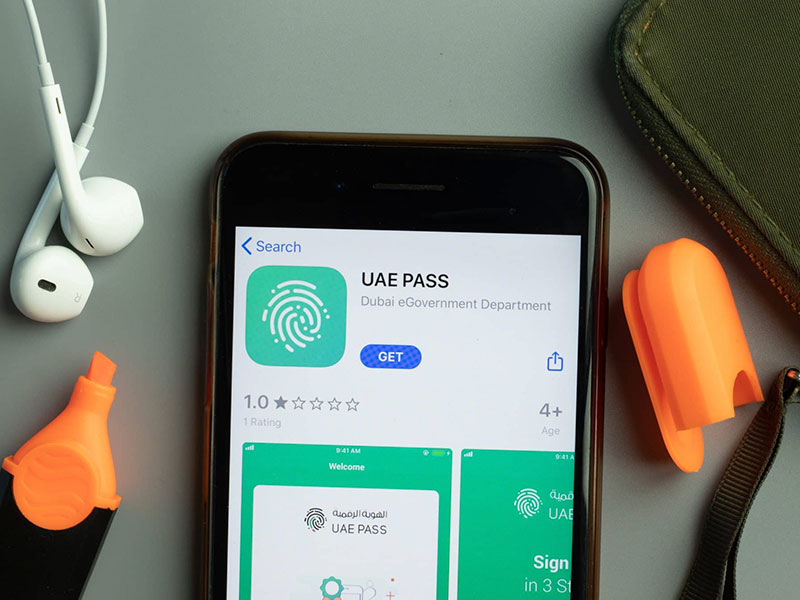
- Download the UAE Pass app from Google Play or the App Store
- Open it and choose Create Account
- Scan the front and back of your Emirates ID
- Fill in your basic personal information
- Add your phone number and email
- Verify both using the one time passwords sent to you
- Create a four digit PIN
- Complete the facial recognition scan
- Set your password and confirm
Once this is done, your UAE Pass account will be ready to use immediately.
How to Register Using UAE Pass Kiosks
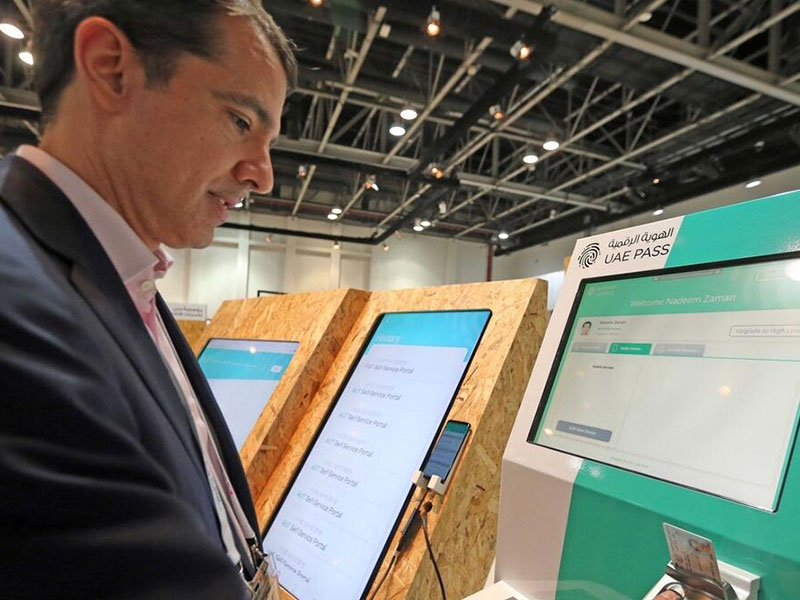
If you prefer doing things in person, you can head to any UAE Pass kiosk and complete your registration there. The process usually takes just a few minutes:
- Go to the nearest kiosk
- Insert your Emirates ID
- Follow the on screen steps
- Scan your fingerprints
- Verify your phone number
- Confirm your personal info
- Download the mobile app and scan the QR code
- Create your password
Kiosk Locations
There is more than one UAE Pass kiosk location at each emirate. In order to find one near you, head to the pass website and choose Kiosk Locations – which will allow you to filter your search based on emirate and city. Here are some of the locations across the Emirates:
UAE Pass Dubai Kiosk Locations
Dubai has the largest number of kiosks, located in malls and major government centres:
- DED – Dubai Mall
- Al Tawar Centre
- Dubai Municipality HQ
- DED Business Village Deira
- United Hyper Market, Hor Al Anz
Dubai kiosks are ideal if you need quick activation near central areas like Deira or Downtown Dubai.
UAE Pass Abu Dhabi Kiosk Locations
Abu Dhabi’s kiosks are found in government buildings, malls and community hubs such as:
- Yas Mall
- Madinat Zayed Shopping Centre 2
- Department of Transport, Al Maqta
- Masdar City Business Centre
- Burjeel Hospital, Al Dhafrah
Abu Dhabi kiosks serve both island and mainland residents
UAE Pass Sharjah Kiosk Locations
Sharjah has kiosks located in malls and public offices:
- Safeer Mall
- New City Centre Supermarket, Abu Shagara
- Directorate of Public Works HQ
- FEWA – Dibba Al Hisn
- Lulu Hypermarket, Al Hazannah
UAE Pass Ajman Kiosk Locations
- Department of Finance
- Ajman DED
- Ajman Markets & Co-operative Society
- Palm Centre, Al Hamidiya
- Department of Lands and Properties
UAE Pass Fujairah Kiosk Locations
- Century Mall
- FEWA – Dibba
- Lulu Hypermarket, Rugaylat Road
- Choithrams, Hamad Bin Abdulla Road
- Fujairah Dibba Municipality
UAE Pass Al Ain Kiosk Locations
- Al Ain Municipality
- Al Jimi Mall
- Remal Mall
- Medeor International Hospital
- Department of Transport
UAE Pass Umm Al Quwain Kiosk Locations
- FEWA – Al Riqqah
- FEWA – Omar Bin Al Khattab Street
- Lulu Centre, King Faisal Road
- EHS Umm Al Quwain Hospital
UAE Pass Kiosk Near Me
To find the nearest kiosk, visit the UAE Pass website and filter by emirate or city. The map shows kiosks in malls, hypermarkets, and government centres close to your location.
UAE Pass Login
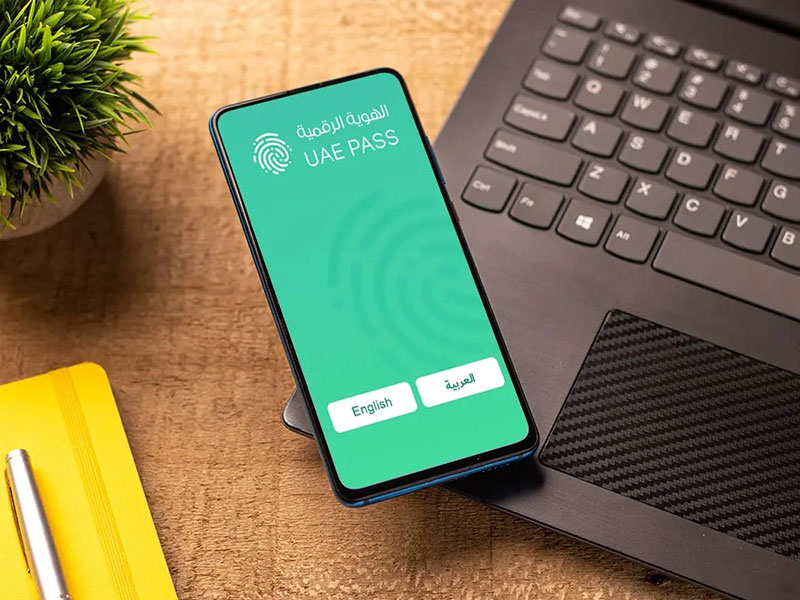
After creating an account for the pass, the login process becomes very easy. First head to either website or download the mobile app, then follow the steps below.
- Logging in from the website:
- Go to uaepass.ae
- Select Login
- Sign in using your Emirates ID, mobile number or email
- Confirm the login on your app
- You can tick Remember Me if you use a personal device
- Logging in from the mobile app:
- Open the UAE Pass app
- Tap I have an account
- Log in using your chosen method
- Enable facial recognition if you want a faster and easier login
What Services Can You Access with UAE Pass
UAE Pass is connected to more than 6000 services, which means you can handle most of your daily tasks from your phone. These services include:
- Paying DEWA and Etihad WE utility bills
- Managing your bank accounts
- Accessing municipality services
- Paying traffic fines
- Logging in to government apps
- Applying for permits or certificates
- Signing documents securely
- Handling telecom services like Etisalat
How UAE Pass Helps You Access Your Credit Report and Credit Score (AECB Integration)
One of the biggest advantages of UAE Pass is how easily it connects you to financial services. If you want to check your credit score or download your credit report, UAE Pass makes the process smoother and more secure.
The Al Etihad Credit Bureau uses UAE Pass as verified digital identity, which means:
- No extra documents needed
- Faster access to your credit information
- You can sign in instantly using your UAE Pass
You can use UAE Pass to
- Log in to the AECB website or app
- Purchase your credit report
- View your credit score
- Track your financial behaviour
- Download official reports for loans or tenancy contracts
Why this matters
Whether you are planning to rent a home, buy a car or apply for a loan, having easy access to your credit report helps you stay informed and prepared.
UAE Pass Benefits
As the UAE moves toward faster and smarter digital services, UAE Pass has become the key to accessing everything from government transactions to everyday essentials, making life in the Emirates simpler and more seamless. Here’s why so many UAE residents rely on UAE Pass every day:
- One login for thousands of services
- Secure identity verification
- Fast digital signatures
- Fewer passwords to remember
- Safe document sharing
- Works across all emirates
- Integrated with banks, utilities and government portals
- With UAE Pass, you spend less time visiting service centres and more time getting things done from home.
UAE Pass Contact Details
Need help or having trouble logging in? You can reach UAE Pass support easily through:
Phone: +971 60 056 1111
Email: support@uaepass.ae
Key Takeaways
- UAE Pass is the UAE’s official digital identity for accessing government and private services.
- Registration is quick through the mobile app or a UAE Pass kiosk.
- One login gives you secure access to over 6,000 services across all emirates.
- You can use UAE Pass to view your credit score and download your AECB credit report.
- It provides digital signatures, verified identity and safe online document access.
UAE Pass simplifies essential tasks for residents, citizens and visitors.
FAQ
Yes, there is. In fact, both iOS and Android users can find the app easily. Simply visit Google Play or App Store, search for the app, and download it.
The production of this app was established with various collaborators and partners, such as TDRA, Digital Dubai, Telecommunication and Digital Government Regulatory Authority, and Abu Dhabi Digital Authority.
Yes. Visitors can create a limited access account using their passport.
Not completely. The physical card is still required in some cases, although many services now accept UAE Pass for verification.
This usually happens due to poor lighting or camera issues. Try again in brighter lighting or restart the app.
Yes, most major banks in the UAE support UAE Pass for login and identity verification.
To sum up, UAE Pass is a digital emirate ID that allows you access to over 6000 services. All of which are provided by government entities, semi-government and private sector ones as well. Also, registering for this pass or logging into it is very easy. A quick click of a button does it. Furthermore, if you are looking for more guides, explore Property Finder’s blog, such as Sharjah Municipality services and more.



