



If you have ever driven around Dubai, you have probably seen the Salik gates. Salik in Dubai is the city’s automated toll system, which supports traffic management and road maintenance. Whether you are a resident or a frequent visitor, understanding how Salik works is essential for smooth driving in Dubai.
Let us take a closer look at Salik gates, including how they operate, how to register an account and how to avoid fines.
- What Is Salik in Dubai?
- Ways to Get a Salik Tag
- Number of Salik Toll Gates in Dubai
- Salik in Dubai Account Registration Process
- Salik Tag Price and Activation
- Salik in Dubai Account Recharge Methods
- Managing Multiple Vehicles Under One Salik Account
- Free Salik Timings and Toll Charges in Dubai
- Avoiding Fines from Salik in Dubai
- Key takeaways
- FAQs
What is Salik in Dubai?
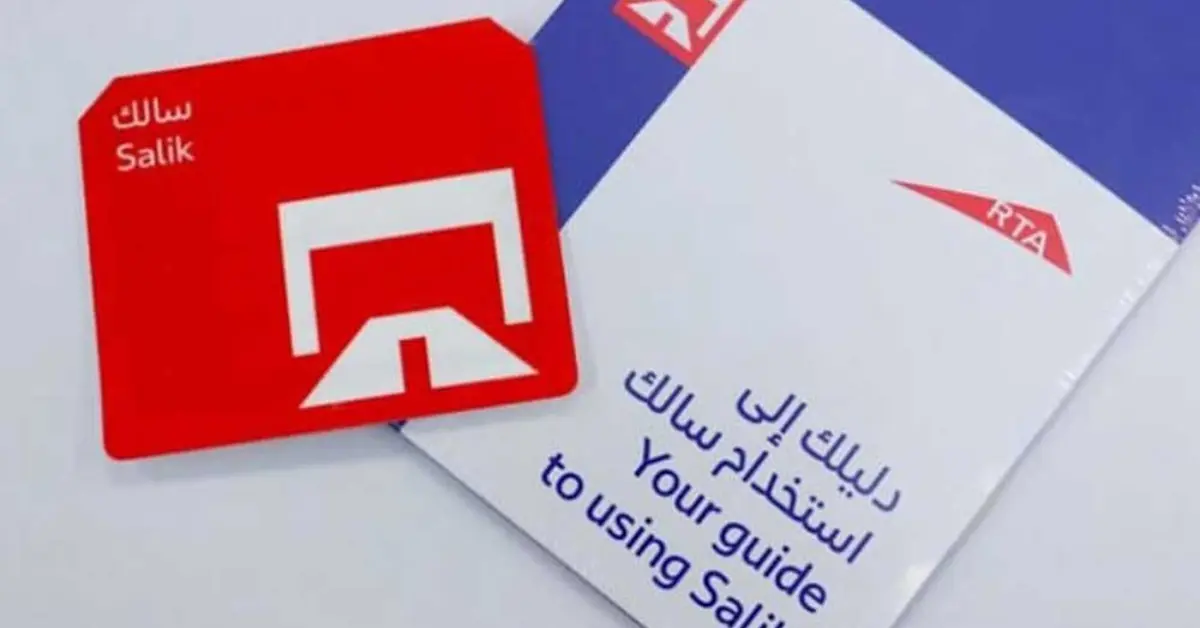
Salik in Dubai is an automated toll system launched in July 2007. It uses Radio Frequency Identification technology to collect tolls electronically, allowing vehicles to pass through toll gates without stopping. Once a vehicle passes under a Salik gate, the toll amount is automatically deducted from the prepaid Salik account linked to the vehicle.
Essential Salik Guidelines for Drivers
- Salik tags should be bought within the first 10 working days of using them
- Ensure the Salik account is recharged within the first 5 days.
- Never use a Salik tag assigned to another vehicle; use only the one assigned to your vehicle and indicated on your application.
- Don’t move the same tag to another vehicle.
- Inform the authorities if you change the registered mobile number
Ways to Get a Salik Tag
Getting a Salik tag is quick and easy, with both online and in-person options available.
To purchase your Salik tag online, visit the official Salik website and select the option to buy a tag. Enter your contact details and vehicle registration information, verify your mobile number using the OTP sent to you, then provide your delivery address and complete the payment. You will receive a confirmation message, and the tag will be activated instantly, with no further steps required.
If you prefer to buy your tag offline, you can visit authorised RTA dealers at selected petrol stations across Dubai. These include Emarat, ENOC, ADNOC, and EPPCO, where the Salik tag can be purchased and installed with assistance.
Number of Salik Toll Gates in Dubai
There are eight Salik toll gates across major roads in Dubai, positioned to manage traffic flow efficiently across the city.

Locations, Fees, and Timings of Salik Gates in Dubai
| Salik Gates | Salik Gate Location | Timings |
| Al Barsha | Sheikh Zayed Road | 24 hours |
| Al Garhoud | Al Garhoud Bridge | 24 hours |
| Jebel Ali | Sheikh Zayed Road | 24 hours |
| Al Safa | Sheikh Zayed Road | 24 hours |
| Airport Tunnel | Beirut Street | 24 hours |
| Al Mamzar North and South | Al Ittihad Street | 24 hours |
| Al Maktoum | Al Maktoum Bridge | 24 hours but free from10:00 PM – 6:00 AM (Thursday – Saturday) |
Salik Timing 2026
The Roads and Transport Authority introduced a variable toll pricing system in January 2025 to manage congestion more effectively.
| Time Period | Toll Fee |
| Weekday peak hours: 6:00 AM to 10:00 AM 4:00 PM to 8:00 PM | AED 6 |
| Weekday off peak hours: 10:00 AM to 4:00 PM 8:00 PM to 1:00 AM | AED 4 |
| Free hours daily: 1:00 AM to 6:00 AM | AED 0 |
| Sundays, all day | AED 4 |
This system is designed to encourage drivers to travel during less busy times, improving traffic flow and reducing congestion.
Salik Timing During Ramadan
| Day | Time Period | Toll Fee |
| Monday – Saturday | 2:00 AM – 7:00 AM | Free |
| 7:00 AM – 9:00 AM | AED 4 | |
| 9:00 AM – 5:00 PM (Peak Hours) | AED 6 | |
| 5:00 PM – 2:00 AM (next day) | AED 4 | |
| Sunday | 2:00 AM – 7:00 AM | Free |
| 7:00 AM – 2:00 AM (next day) | AED 4 |
Salik in Dubai Account Registration Process

Creating a Salik account is simple. Visit the official Salik Dubai website and complete the following steps:
- Go to the Salik website.
- After that, select “New User Registration”.
- Create an individual user account.
- To finish the procedure, enter your information in the form.
Plus, you can manage your account using the Salik Dubai mobile app. Once you’re set up, you can manage payments, monitor your balance, check for fines, and reload your card.
Salik Tag Price and Activation
The cost of a Salik tag varies depending on whether it is purchased online or offline; both options include prepaid toll credit and a straightforward activation process for using Salik in Dubai.
When purchased online, the total cost of a Salik tag is AED 120. This includes the Salik tag priced at AED 50, AED 50 in prepaid toll credit, and a delivery fee of AED 20. For offline purchases, the total cost is AED 100, covering the Salik tag at AED 50 and AED 50 in prepaid toll credit.
Starting from 1 June 2026, a 5% VAT will apply to Salik toll gate usage tariffs and tag activation fees, according to the latest update from Salik. This means drivers should expect VAT to be added to applicable Salik charges from this date onwards.
Activating a Salik Tag Purchased Offline
If you purchase your Salik tag offline, activation can be completed via the Salik or RTA website or a mobile application.
To activate online, visit the official Salik or RTA website and select “Activate Salik Tag”. You will then choose whether you are a new or existing customer. New users must complete the registration process before proceeding, while existing customers can activate their tag immediately.
Alternatively, you can activate your Salik tag using the Dubai Drive or Salik mobile app by following the on-screen instructions provided.
Documents Required for Activation
To ensure a smooth activation process, keep the following documents ready:
- A copy of the vehicle registration card, front and back
- The Salik tag number, located on the back of the tag
- The mobile number used at the time of purchase
- The purchase date is printed on the tag
- A copy of the company trade licence, if the vehicle is company-owned
Salik in Dubai Account Recharge Methods
Recharging your Salik account in Dubai is quick and convenient, with multiple options available to suit different preferences. Whether you prefer digital services or in-person payments, Salik in Dubai makes it easy to keep your account topped up and avoid interruptions while driving.
Online and Digital Recharge Options
You can recharge your Salik account instantly using any of the following methods:
- Salik website or mobile app
Recharge directly using your credit card through the official Salik website or the Salik mobile app.
- Automatic bank top-ups
Set up automatic recharges through your bank to ensure your Salik balance is topped up whenever it falls below the minimum.
- Salik recharge cards
Salik recharge cards can be used via:
- The official Salik website
- The Salik call centre
- The Smart Salik mobile app
- Cash Recharge Options
If you prefer paying in cash, you can recharge your Salik account using:
- Kiosk devices across Dubai
- Cash deposit machines at DIB and Emirates NBD branches
Choosing a recharge method that suits you ensures there is always sufficient credit in your Salik account for smooth and uninterrupted journeys.
Managing Multiple Vehicles Under One Salik Account

You only need one Salik account, even if you own more than one vehicle. Salik allows multiple cars to be linked to the same account, making it easier to manage toll charges without creating separate accounts.
Adding another vehicle to your existing Salik account is quick and straightforward. This can be done through any of the following methods:
- The official Salik website
- The Smart Salik mobile app
- Salik customer support
Simply choose the option that best suits you, and your additional vehicle will be linked to your Salik account with minimal effort.
Free Salik Timings and Toll Charges in Dubai
Dubai offers free Salik travel during specific hours, helping motorists reduce toll expenses. Salik is free between 1:00 am and 6:00 am, so you will not be charged if you pass through any Salik gate during this period. In addition, all Salik gates are toll-free on Sundays, allowing unrestricted travel throughout the day.
Alternative Routes to Avoid Salik Toll Gates
| If You’re Travelling… | Use This Toll-Free Route | Salik Gates Avoided |
| Between Dubai and Abu Dhabi | Sheikh Mohammed Bin Zayed Road (E311) | Al Barsha, Al Safa, Jebel Ali |
| Across Dubai Creek | Floating Bridge | Al Maktoum Bridge, Al Garhoud Bridge |
| Across Dubai Creek (when Floating Bridge is closed) | Business Bay Crossing | Al Garhoud Bridge |
| To Dubai International Airport or Deira | Rebat Street (D83) | Airport Tunnel |
| Between Sharjah and Dubai | Al Wahda Street/ Al Damascus Street/ Sheikh Mohammed Bin Zayed Road (E311) | Al Mazmar North, Al Mazmar South |
Contacting Salik Dubai Customer Support
Salik customer service is available 24 hours a day to assist with enquiries, account issues, or technical support. You can contact Salik through the following channels:
Phone Support
- Local toll-free number: 800 Salik, 72545
- From outside the UAE: +971 4 233 5000 or +971 4 233 5005
Email Support
- General enquiries: customerservice@salik.ae
- Corporate accounts: specialaccounts@salik.ae
Reaching out through these channels ensures timely assistance for all Salik related concerns.
Avoiding Fines from Salik in Dubai

To avoid fines when using Salik in Dubai, follow the system’s rules and ensure your account remains active and funded. Most penalties result from an insufficient balance or failure to register a vehicle correctly.
Insufficient Salik Account Balance
If you pass through a Salik gate without sufficient funds in your account and fail to recharge it within five working days, a fine will be applied. Each violation incurs a penalty of AED 50, so it is essential to monitor your balance regularly.
Driving with an Unregistered Vehicle Plate
Driving through a Salik gate without a registered Salik tag will also result in fines. If a vehicle does not have a Salik tag, it must be registered within ten working days to avoid penalties.
The fines for unregistered vehicles are applied as follows:
- AED 100 for the first violation
- AED 200 for the second violation
- AED 400 for each subsequent violation
Please note that only one Salik violation can be issued per vehicle per day.
Regularly checking your Salik account through the official website or mobile app will help you stay informed about your balance and any outstanding fines. Proper account management is key to avoiding unnecessary charges when using Salik in Dubai.
Vehicles Exempt from Salik Toll Fees
Certain vehicles are exempt from paying Salik toll fees in Dubai. These exemptions typically apply to:
- Emergency vehicles, including ambulances and police vehicles
- Public buses operated by the Roads and Transport Authority
- Military and official government vehicles, where applicable
Exempt vehicles must still be properly registered with the relevant authorities to qualify for toll-free passage.
Salik Update 2026: VAT on Toll Charges
From 1 June 2026, Salik will apply a 5% Value Added Tax (VAT) on toll gate usage tariffs and tag activation fees. This means motorists should expect VAT to be added to applicable Salik charges from this date onwards, in line with the UAE’s tax regulations. Drivers who use Salik gates regularly should factor this update into their daily commute costs and account balance planning.
Key takeaways
Salik in Dubai offers a seamless, cashless way to pay tolls across the city. With straightforward tag registration, flexible recharge options, time-of-day pricing, and clear exemptions, the system is easy to navigate for residents and visitors alike. A basic understanding of gate locations, free hours, and account management helps drivers avoid fines and plan smoother, more cost-efficient journeys around Dubai.
FAQs
Yes, you can pass through a Salik gate without a tag initially, but you must register your vehicle and install a Salik tag within ten working days of your first trip. If you fail to do so within this period, fines will apply. To avoid penalties, it’s strongly recommended to purchase, register, and install your Salik tag as soon as you start driving on Salik roads.
The Salik one-hour rule applies to specific paired toll gates in Dubai. Certain gates are linked, such as Al Safa North and Al Safa South, and Al Mamzar North and Al Mamzar South. If you pass through both linked gates in the same direction within one hour, you will only be charged once. This rule helps reduce repeated toll charges for short return trips on the same route.
Rental cars in Dubai are already fitted with a registered Salik tag. Any toll charges incurred during your rental period are automatically recorded and added to your final bill, typically along with an administrative fee charged by the rental company. It is best to confirm Salik charges and fees with the rental provider in advance.
Yes, a 5% VAT applies to Salik toll gate usage tariffs and tag activation fees from 1 June 2026. For example, if the standard toll charge is AED 4, the total amount after VAT will be AED 4.20.



